Your compliance manager asks about your disaster recovery plan. You point to Clonezilla running on a schedule, creating system images of your production Linux servers. You've checked the "backup strategy" box without spending a dollar on commercial solutions.
But when that hardware failure actually happens, you discover that your free tool created a recovery problem instead of solving one.
These myths persist because open-source disaster recovery tools like Clonezilla look deceptively simple. They're free, they create complete disk images, and the documentation makes the process seem straightforward. But the gap between "we have backups" and "we can actually restore operations within our RTO" is where most teams fail their first real test.
Myth 1: System Images Replace Your Regular Backup Strategy
Reality: System images and data backups serve different recovery scenarios, and you need both.
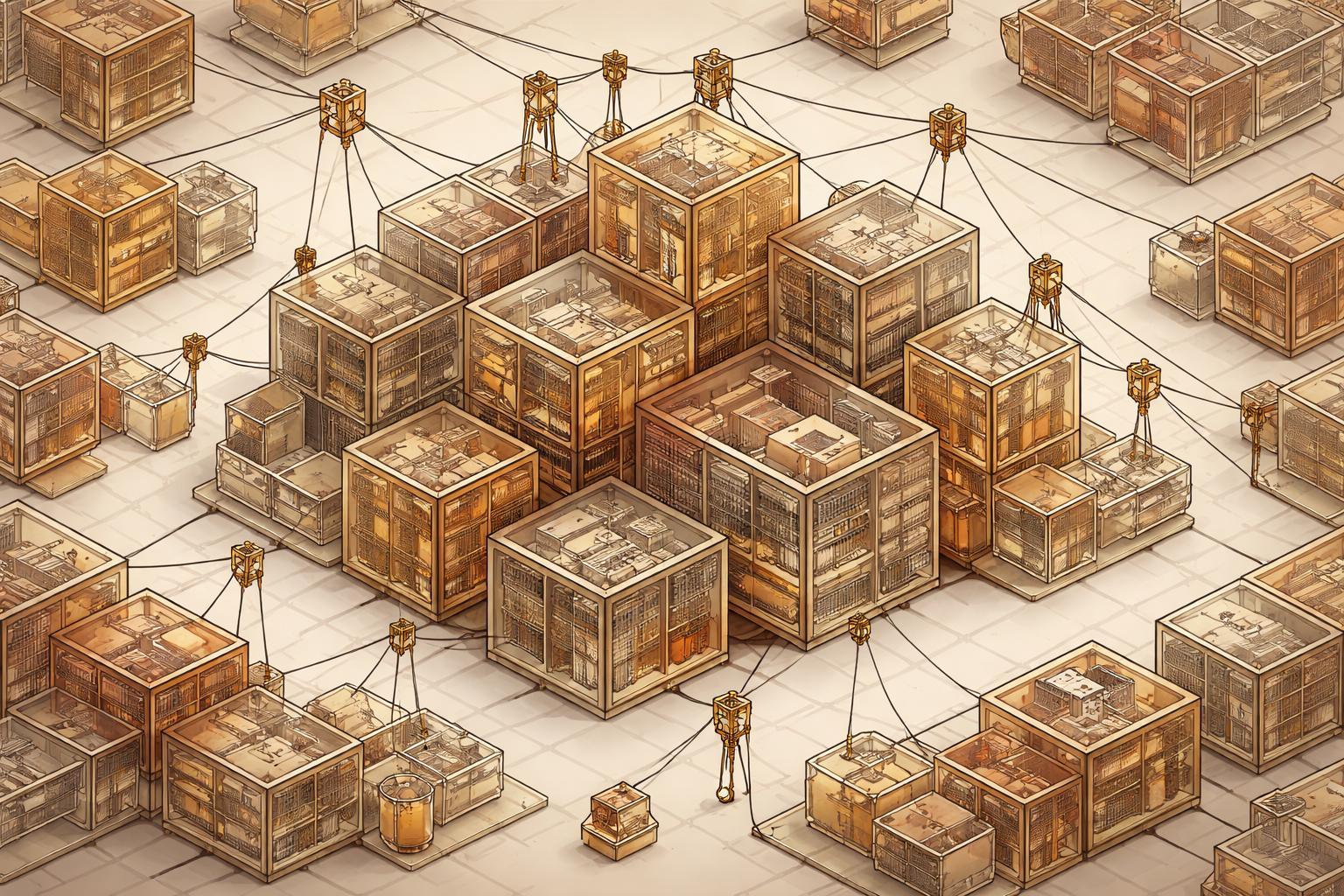
Clonezilla creates byte-for-byte snapshots of entire hard drives—operating system, applications, configurations, and data frozen at a single point in time. This works perfectly when you need to rebuild a failed server to last Tuesday's state. It fails completely when your database was corrupted three weeks ago and you need to restore just that data to a known-good state from two months back.
Your backup architecture should layer these approaches:
- System images for bare-metal recovery and rapid infrastructure restoration
- Application-level backups for granular recovery of specific services or datasets
- File-level backups for individual file restoration and long-term retention
ISO/IEC 27001:2022 Control 8.13 requires that backup information be tested to verify it can be restored within the time period specified in your recovery procedures. You cannot meet this control with system images alone—you need the flexibility to restore at different granularities depending on the failure scenario.
Myth 2: Creating Weekly System Images Gives You a Complete Disaster Recovery Plan
Reality: Your image is only useful if it's recent enough to meet your Recovery Point Objective (RPO) and stored where you can actually access it during a disaster.
Consider what happens between image creation cycles. If you image your application servers every Sunday night and your primary database fails Friday afternoon, you're looking at five days of lost transactions. For many compliance frameworks, that's unacceptable. PCI DSS v4.0.1 Requirement 12.10.1 requires that incident response plans address business continuity, which means defining—and meeting—specific RTOs and RPOs.
The frequency problem compounds with the storage problem. If your Clonezilla images live on the same SAN as your production systems, a storage array failure takes out both your live environment and your recovery path. If they're on a USB drive in the server room, a facility fire eliminates your options.
Effective image scheduling requires:
- RPO analysis per system: Your authentication server might need daily images while your internal wiki tolerates weekly snapshots
- Geographic distribution: Store images in a different facility or cloud region
- Version retention: Keep multiple image generations so corruption doesn't propagate through your only recovery point
Myth 3: Open-Source Tools Can't Meet Compliance Requirements
Reality: Compliance frameworks care about your recovery capabilities and testing cadence, not whether you paid for the software.
SOC 2 Type II Common Criteria CC9.1 evaluates whether your organization identifies, develops, and implements activities to respond to identified security incidents. The auditor wants evidence that your disaster recovery procedures work—successful restore tests, documented RTOs and RPOs, regular review cycles. Whether you used Clonezilla or a commercial solution is irrelevant to the control.
What matters for compliance:
- Documented procedures: Your runbook for creating and restoring images must be current and specific
- Test evidence: Regular restore tests with timing data proving you meet your stated RTO
- Access controls: Who can create images, where they're stored, how they're protected
- Retention policies: How long you keep images and why, aligned with your data classification
The cost-effectiveness of open-source tools actually helps compliance programs by freeing budget for the testing and documentation work that frameworks actually require. You're better off with Clonezilla and quarterly restore tests than an expensive commercial tool you've never actually tried to use.
Myth 4: If the Image Restore Works in the Lab, It'll Work During an Incident
Reality: Your test restore probably skipped the hardest parts of actual disaster recovery.
When you test Clonezilla in your lab, you're working with a spare server that's probably similar to your production hardware. You have time to troubleshoot driver issues. You're not under pressure from executives asking when the customer portal will be back online. And you're definitely not dealing with the scenario where your primary and backup infrastructure are both unavailable.
Real disaster recovery includes:
- Hardware differences: Your replacement server has different network cards, disk controllers, or CPU architectures
- Network reconfiguration: IP addresses, VLANs, and firewall rules that need adjustment
- Dependency chains: Services that won't start because they're looking for other systems that aren't restored yet
- Authentication and secrets: Passwords, API keys, and certificates that weren't in the image
Your restore procedure needs to document these dependencies explicitly. When you test, deliberately use different hardware. Time how long it takes to get each service actually functional, not just booted. NIST Cybersecurity Framework v2.0 function RC.RP-1 calls for executing recovery plans during or after a cybersecurity incident—your test should simulate that pressure and complexity.
Myth 5: Free Tools Mean No Hidden Costs
Reality: The total cost of your disaster recovery capability includes the engineering time to make it actually work.
Clonezilla is free software, but someone needs to:
- Write and maintain the automation that creates images on schedule
- Monitor those jobs and investigate failures
- Test restores and update procedures when they break
- Train your team on the restore process
- Document the dependencies and configuration details that aren't captured in the image
- Manage the storage infrastructure where images live
For a team managing 50 Linux servers, this might be 4-6 hours per month in steady-state operations, plus 16-24 hours per quarter for restore testing. That's real engineering capacity you're allocating to disaster recovery instead of feature development or security improvements.
The cost-effectiveness calculation should compare:
- Engineering time for open-source tools vs. commercial solutions
- Risk reduction from actually testing your recovery procedures vs. assuming they work
- Opportunity cost of engineer time spent on backup infrastructure
Sometimes a commercial tool that handles scheduling, monitoring, and testing automatically is worth the license cost because it frees your team for higher-value work. Sometimes the open-source approach is cheaper even with the engineering overhead. The mistake is assuming "free" means "no cost."
What to Do Instead
Build your disaster recovery capability around verified recovery times, not around specific tools:
Define your requirements first. What's your actual RTO for each system? What's your acceptable RPO? These numbers should come from business impact analysis, not from what your current tools can deliver.
Layer your recovery options. Use system images for bare-metal recovery, application-level backups for granular restoration, and configuration management for rapid rebuild. Each approach covers different failure scenarios.
Test the complete procedure. Schedule quarterly restore tests that include the full dependency chain—network reconfiguration, service startup, application validation. Time each step. Document what broke.
Automate the verification. Your backup monitoring should confirm not just that the image was created, but that it's a valid, restorable image. A corrupt backup you discover during an actual disaster is worse than no backup at all.
Document for the crisis scenario. Your restore procedure should be written for a junior engineer at 2 AM who's never done this before. If it requires knowledge that's only in someone's head, it will fail when you need it most.
Whether you use Clonezilla or a commercial solution, your disaster recovery capability is only as good as your last successful restore test. The tool is irrelevant if you can't prove you can actually recover within your required timeframes.